


Social media can be fun, but sometimes it becomes too much. Many people today are looking for ways to protect their privacy, limit screen time, or take a digital detox. If you’re one of them, you might be wondering how to delete Snapchat account permanently.
Snapchat is a popular platform for sharing photos, videos, and stories that disappear after a few seconds. However, not everyone wants to stay active forever. Whether it’s due to privacy concerns, personal reasons, or just wanting a break, deleting your account can bring peace of mind.
This step-by-step guide will show you how to permanently delete Snapchat account in just five simple steps. It’s easy to follow, works for both mobile and desktop users, and ensures your data is removed safely from Snapchat’s servers.
Things to Know Before Deleting Snapchat
Before you make the final decision to delete Snapchat account permanently, it’s important to understand how the process works. Snapchat doesn’t erase your account right away. Instead, it follows a two-step process — first, deactivation, then permanent deletion.
Here’s what happens:
- Once you confirm deletion, your Snapchat account is deactivated for 30 days.
- During this time, your profile will be hidden, and your friends won’t be able to find or contact you.
- If you don’t log in again within 30 days, Snapchat automatically deletes your account permanently.
This means all your data — chats, memories, friends list, Snapstreaks, and Bitmoji details — will be removed forever.

Deactivation vs. Permanent Deletion:
- Deactivation: A temporary pause. You can return anytime within 30 days.
- Permanent Deletion: Irreversible. After 30 days, all data is gone.
If you want to keep your memories or messages, download your data before deleting.
To do this, go to Settings → My Data → Submit Request, and Snapchat will email you a link to download everything safely.
Step-by-Step Guide to Delete Snapchat Account (Mobile App)
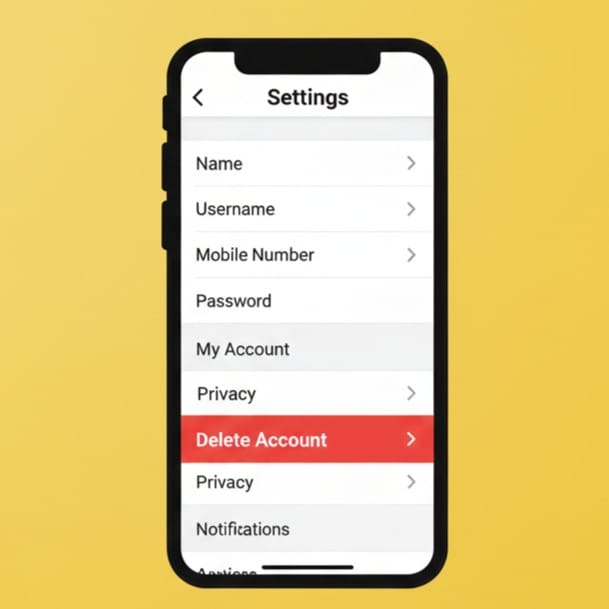
Deleting Snapchat from the mobile app is quick and simple. Follow these 5 steps to permanently delete Snapchat account using your phone:
Step 1: Open the Snapchat app and log in with your username and password.
Step 2: Tap your Bitmoji icon in the top-left corner, then tap the Settings (⚙️) icon.
Step 3: Scroll down until you find the “Account Actions” section and tap “Delete Account.”
Step 4: Snapchat will ask you to confirm your identity by entering your username and password again.
Step 5: Once you confirm, Snapchat will deactivate your account for 30 days. If you don’t log in again during this period, your account will be deleted permanently after the 30th day.
After following these steps, you don’t need to do anything else. Snapchat will automatically erase your account and all personal data once the waiting period is over.
Also Read: Google Claims Quantum Supremacy Again in 2025: What It Means for the Future of Computing
How to Delete Snapchat Account from a Web Browser
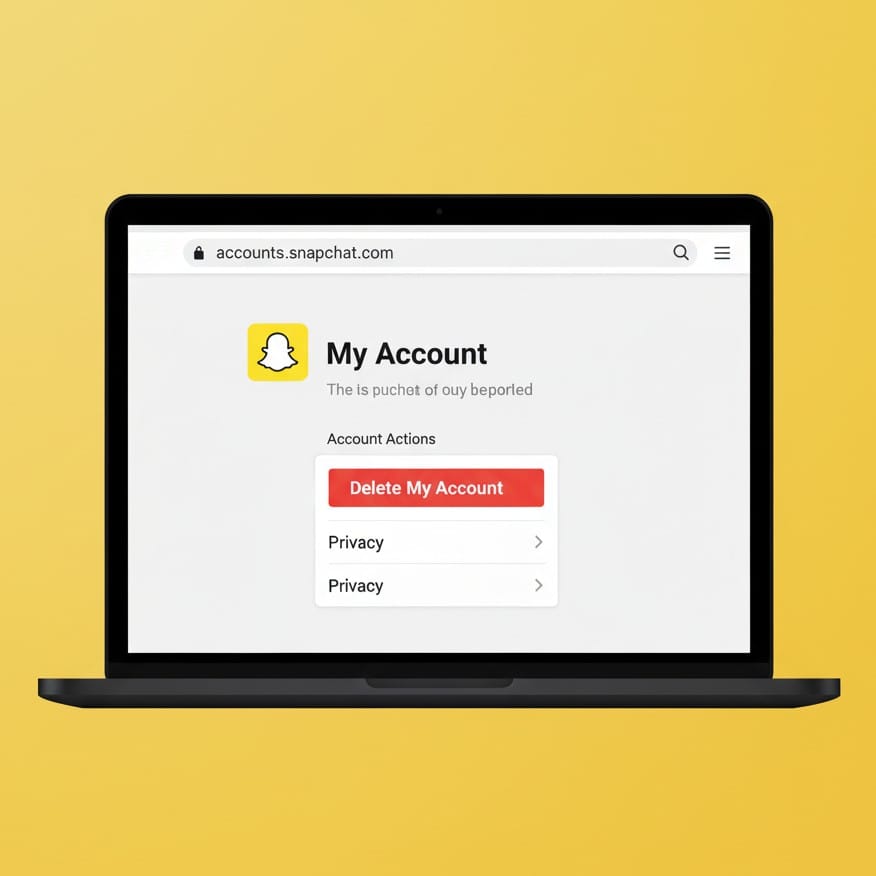
If you don’t have access to the mobile app, you can also delete your Snapchat account using a web browser. Here’s how to close Snapchat account permanently on a computer or laptop:
- Go to the official Snapchat account portal: https://accounts.snapchat.com
- Log in using your username and password.
- Once logged in, click “Manage My Account.”
- Select “Delete My Account” from the menu options.
- Snapchat will ask for your password again — enter it to confirm.
Your Snapchat account will now be deactivated for 30 days. During this time, you can change your mind and log in to reactivate it. Otherwise, after 30 days, Snapchat will delete your account permanently, including all associated content, data, and settings.
This browser method is especially useful for users who’ve already uninstalled the Snapchat app but still want to ensure their account is removed.
How to Reactivate Snapchat Account (If You Change Your Mind)
If you’ve changed your mind about deleting your account, Snapchat gives you a 30-day window to bring it back.
To reactivate your account:
- Simply open Snapchat and log in with your username and password.
- You’ll see a message asking if you want to reactivate your account.
- Confirm, and Snapchat will restore your account within 24 hours.
However, if you fail to log in within the 30-day period, Snapchat will delete your account forever. Once that happens, there’s no way to recover your friends, memories, or any saved data.
So, if you think you might return in the future, make sure to log in before the 30-day limit ends.
Tips: Before You Delete Snapchat
Before you remove Snapchat account permanently, there are a few smart things to do first. These simple actions will help you keep your data safe and avoid losing anything important:
- Save Your Memories: Download your saved Snaps, stories, and chats before deletion.
- Backup Bitmoji: If you use Bitmoji, save your designs or link them to another app.
- Inform Friends: Let your close contacts know you’re leaving Snapchat so they can reach you elsewhere.
- Unlink Third-Party Apps: If any apps are connected to your Snapchat account, remove their access.
- Cancel Subscriptions: Turn off any premium features, such as Snapchat+, before deletion.
Taking these steps ensures a smooth and stress-free process when you decide to delete my Snapchat account forever.
Why People Delete Snapchat Accounts
Millions of users have chosen to leave Snapchat for various reasons. Here are some of the most common:
- Privacy concerns: Some users worry about how their data and photos are stored.
- Time management: Constant notifications and streaks can become distractions.
- Personal growth: Many people want a break from social media for mental health reasons.
- Switching platforms: Users may prefer other apps like Instagram or WhatsApp.
Whatever your reason, knowing how to delete Snapchat account permanently gives you control over your digital life.
What Happens After Deletion
After the 30-day deactivation period:
- Your account, username, and Bitmoji disappear from Snapchat’s system.
- All your chats, stories, and saved content are permanently deleted.
- You’ll no longer appear in friends’ contact lists.
- Any ongoing subscriptions or Snap Scores are lost.
Snapchat may retain limited data for security or legal reasons, but it will no longer be connected to your personal profile.
Also read: Pixel Watch 4 Launch: Everything Google Announced About Its Smartest Watch Yet
Final Thoughts
Learning how to permanently delete Snapchat account gives you the freedom to manage your online presence responsibly. Whether you’re taking a break from social media, switching platforms, or protecting your privacy, the process is straightforward and secure.
Remember:
- Snapchat first deactivates your account for 30 days.
- After that, the account and all your data are deleted permanently.
- If you ever want to return, you can log in within 30 days to reactivate it.
Take control of your digital life — and if you’re ready, follow the five steps above to delete Snapchat account permanently today.
Frequently Asked Questions (FAQ)
Q1. Can I recover my Snapchat account after 30 days?
No. Once 30 days have passed, Snapchat deletes your account permanently. After that, you can’t recover your messages, friends, or saved data.
Q2. What happens to my Snapchat memories after deletion?
All your saved memories are deleted permanently once your account is removed. You should download them before deleting your account.
Q3. Can I delete my Snapchat account without logging in?
No, you must log in either through the app or at https://accounts.snapchat.com to delete your account.
Q4. Does uninstalling Snapchat delete my account?
No. Deleting the app from your phone doesn’t delete your Snapchat account. You must follow the proper steps to remove it permanently.
Q5. How long does it take to delete my Snapchat account forever?
It takes 30 days. Your account stays deactivated for that period, and if you don’t log in again, Snapchat will delete it permanently afterward.
Q6. Can I use the same username after deletion?
No. Once you delete Snapchat account permanently, your username becomes unavailable. You’ll need to create a new one if you rejoin.